
SHOP
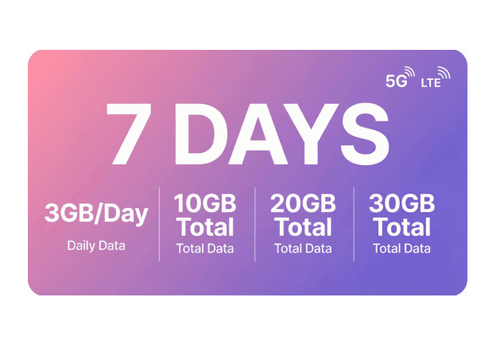
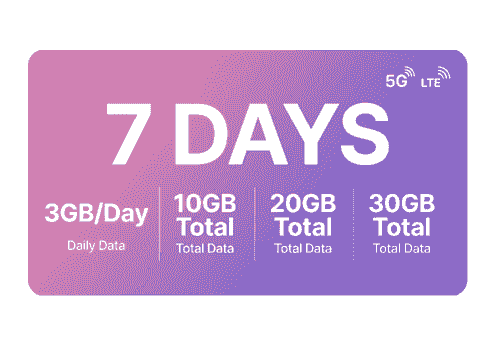
All1GB/Day3GB/Day10GB20GB30GB

7 Days in Japan
¥ 13 - ¥ 20
SelectQuantityComing soon
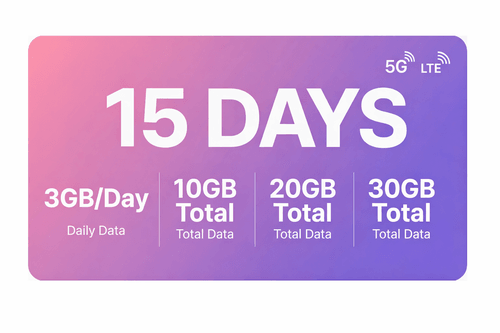
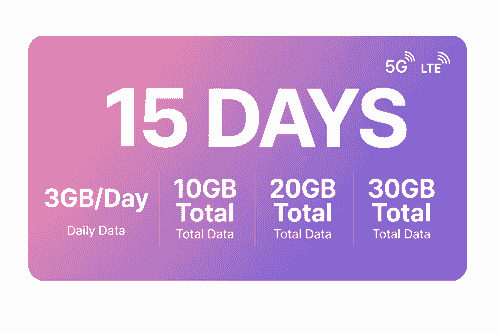
15Days in Japan
¥ 13 - ¥ 26
SelectQuantityComing soon
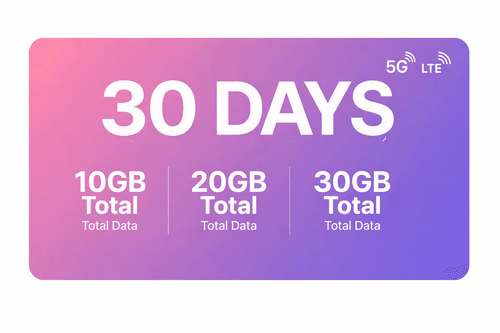
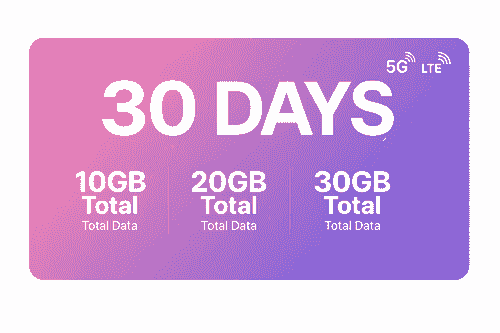
30 Days in Japan
¥ 13 - ¥ 21
SelectQuantityComing soon
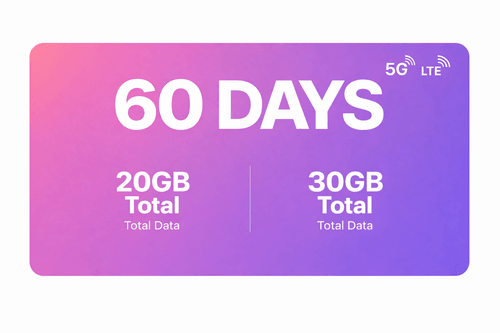
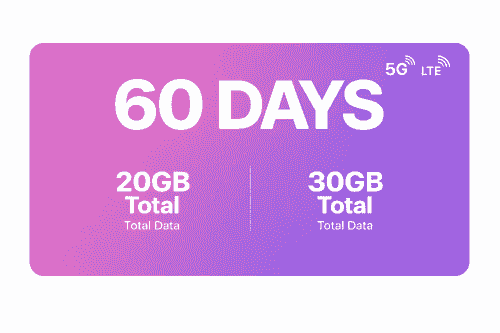
60 Days in Japan
¥ 18 - ¥ 25
SelectQuantityComing soonLet’s get started together

01.Open your email
We will send the QR code and activation instructions to your email two days before activation. If you have not received them, please contact us.
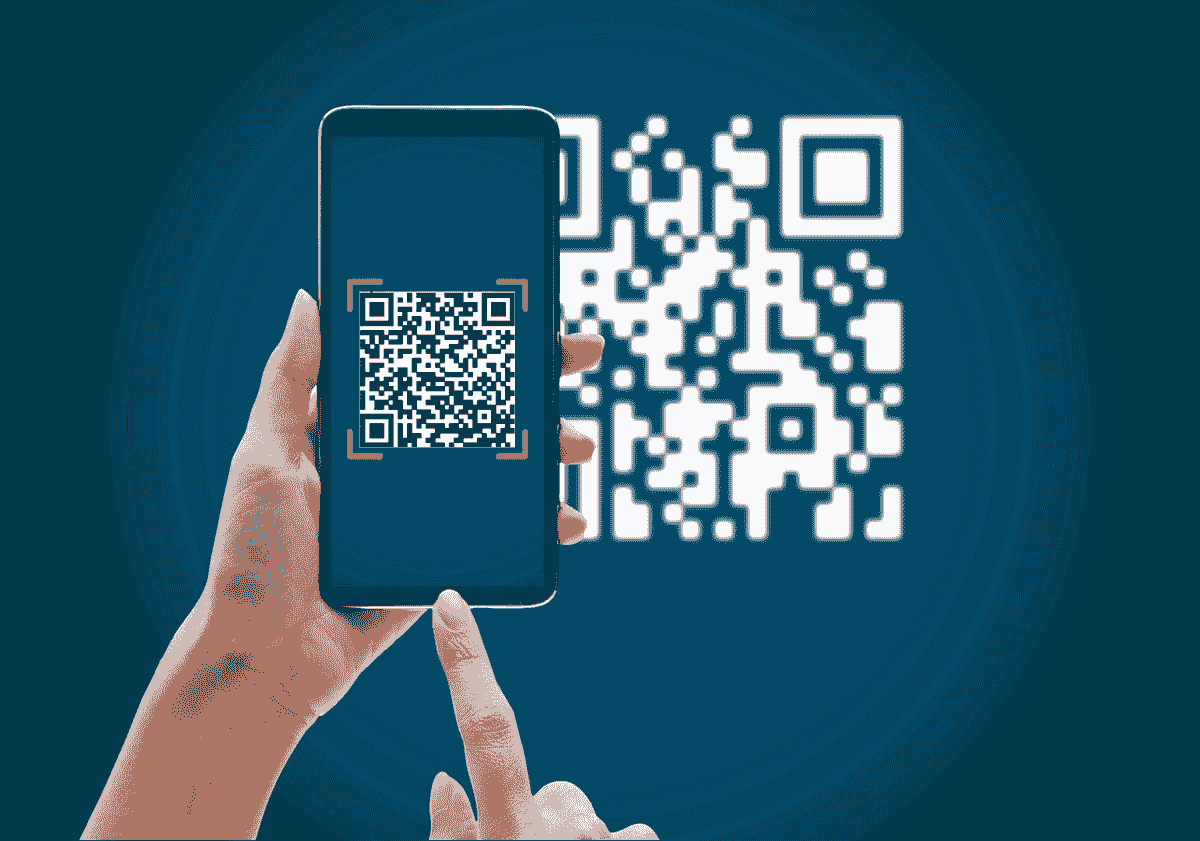
02.Scan the QR code
Open your camera on the iPhone you will be installing the eSIM on and scan the code. You can also go to “Settings”, then “Mobile Data” and select “Add Data Plan” to scan the code from there.

03.Follow the installation steps on your iPhone
Scanning the code will start the installation process. Use our guide below for step-by-step configuration.
If the QR code does not work, you may need to install a plugin.
Frequently Asked Questions
What devices support eSIM?
Google Pixel 3 and Pixel 5 support eSIM, allowing you to enjoy cost-effective mobile data services during your trip. Unfortunately, devices such as the Samsung Galaxy S10, S20 FE, Motorola Edge and One Vision, iPhone 7, iPhone 8, iPhone X, and Huawei P30 do not support eSIM.
Can I use an eSIM to make calls and send SMS messages?
It depends on your eSIM plan. Most travel eSIMs are data-only and don’t support regular calls or SMS, but you can use apps like WhatsApp, FaceTime, WeChat, etc. for calls and messages. For voice calls and SMS, choose a plan that includes them.
How long do I need to wait to receive the eSIM after making the payment?
After your purchase, the eSIM QR code will be sent to your email within a few minutes. If you don’t see it, check your spam folder. Still no email after 10 minutes? Please contact our customer support for assistance.
What should I do if I haven't received the email with the QR code?
Please check your spam or junk folder. Make sure your email address is correct. If you still haven’t received it, try resending the email or contact our support team for help.
What should I do if the QR code cannot be scanned?
Please make sure your camera is focused and the QR code is fully visible. If it still doesn’t work, try downloading the QR code image and scanning it from your device, or contact our support team for help.
When does my eSIM data plan start?
Your eSIM data plan starts when the eSIM is installed and activated, or when you first connect to a supported network.
What is an eSIM?
An eSIM is a digital SIM embedded in your device, allowing you to change carriers or data plans remotely without using a physical SIM.
How Does eSIM Work?
Activate your eSIM by scanning a QR code. Store multiple profiles on one device and switch anytime.
About us

About IF mobile
IF mobile is dedicated to making global connectivity effortless through lighter, smarter, and more flexible eSIM technology. Whether you're traveling abroad, doing cross-border business, studying overseas, working remotely, or simply need a better mobile data plan, we provide high-quality, multi-purpose eSIM solutions tailored to your needs.
Why Choose IF mobile?
- Instant activation — ready to use
No physical SIM, no waiting time. - Global coverage — stay connected in multiple countries
Perfect for travel, business, and long-term stays abroad. - Multiple plan options
Local, regional, and global plans for all types of usage. - Reliable network experience
Powered by partnerships with premium carriers. - Smart, convenient, eSIM-only
No card slot needed, nothing to lose. - 24/7 customer support
Stay supported wherever you are in the world.
Our Mission
To connect every corner of the world in a simpler and more自由 way.
IF mobile is more than just an eSIM provider — we are your trusted partner in every journey and every connection.- Instant activation — ready to use

Holafly FAQ: Your eSIM Help Center
How can we help you today?